
Password Manager Web Extension
The Akeyless Password Manager browser extension puts your vault inside the browser. Store,
find, fill and share credentials without leaving the page you are on.
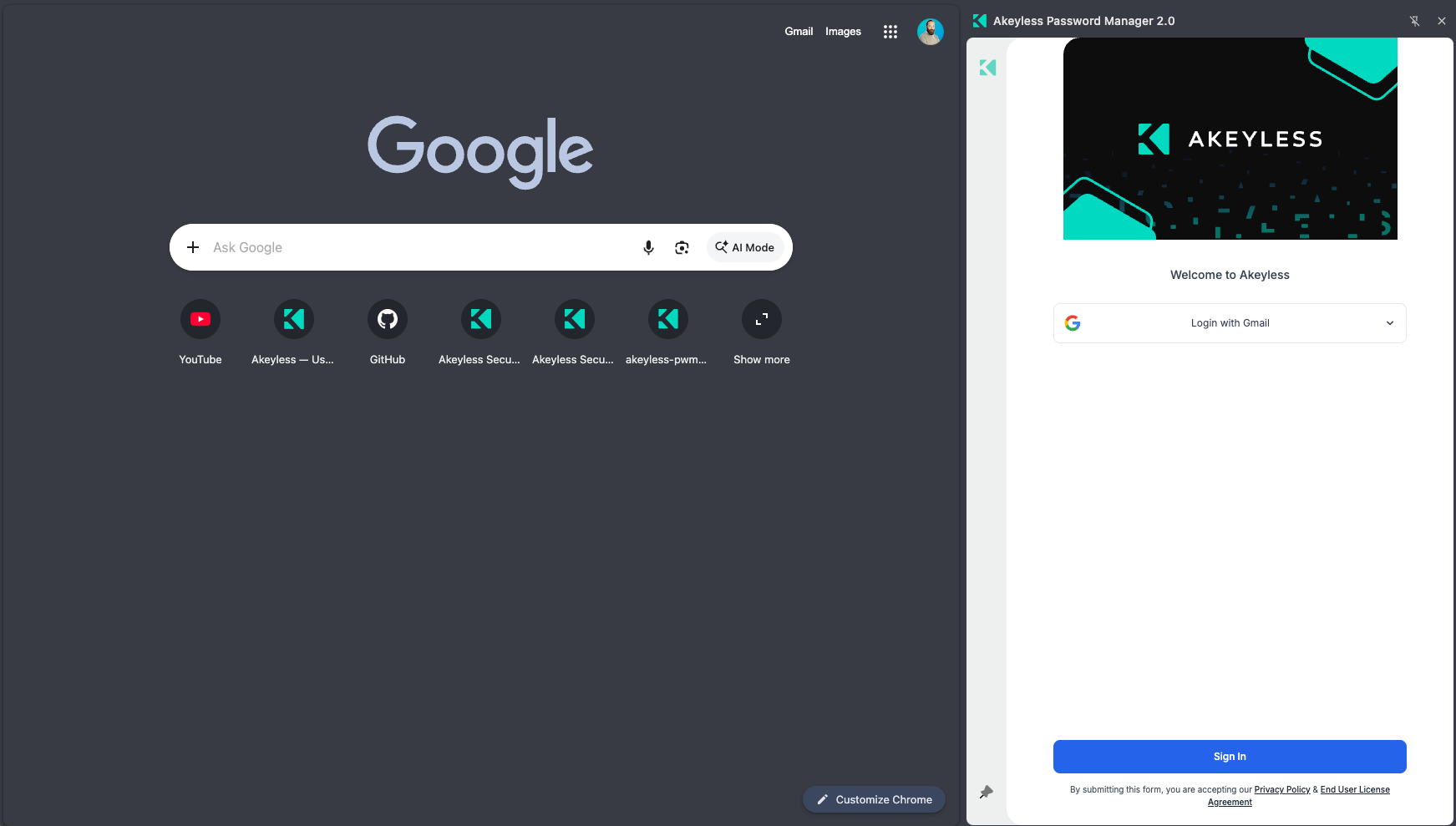
The extension docked beside a page
Get started
| Page | What it covers |
|---|---|
| Installation & Supported Browsers | Download links for Chrome, Edge, Firefox and Safari |
| Signing In to the Web Extension | All seven authentication methods |
| Side Panel & Sidebar | Docking the extension beside the page |
The areas
Finding your way around
- Folder Navigation within Personal & Corporate Areas
- Switching Between Folders & Flat View
- Using Filters & Tags
- Searching for Passwords and Secrets
- Selecting Multiple Items
Managing items
- Item Types Reference
- Creating New Password
- Creating New Secret
- Creating New File Item
- Password Generator & Strength
- Editing, Copying & Moving Items
- Viewing an Item
- Setting Password Policy On Account Level
- Sharing Password / Secret
- Deleting Password / Secret
- Recycle Bin
- Adding Items To Favorites
Using it on websites
- Using Autofill / Password Injection
- Launch: Open a Site Already Signed In
- Prompt to Save Password
- AI Agent Autofill
- Copy/Paste & Secure Paste Mode
- Adding and Using One-Time Passwords
- Passkey
Data & health
- Importing from Another Password Manager
- Exporting Your Passwords
- Security Health in the Extension
- Extension Settings
- Accessibility
For administrators
- Preconfigured Installs: Overview
- Bridge Link Install
- Preconfigured Package
- Branding & Customization
- Account Policies Affecting the Extension
- Troubleshooting
Secrets Automation
Related products
Updated 22 days ago
Did this page help you?