
Password Manager Desktop Application
A native desktop app for macOS and Windows that gives you your Akeyless vault outside the
browser — with two things the web console cannot do: Offline Mode, so your personal
passwords are available with no network, and Auto-Type, which types credentials into any
application, not just web pages.
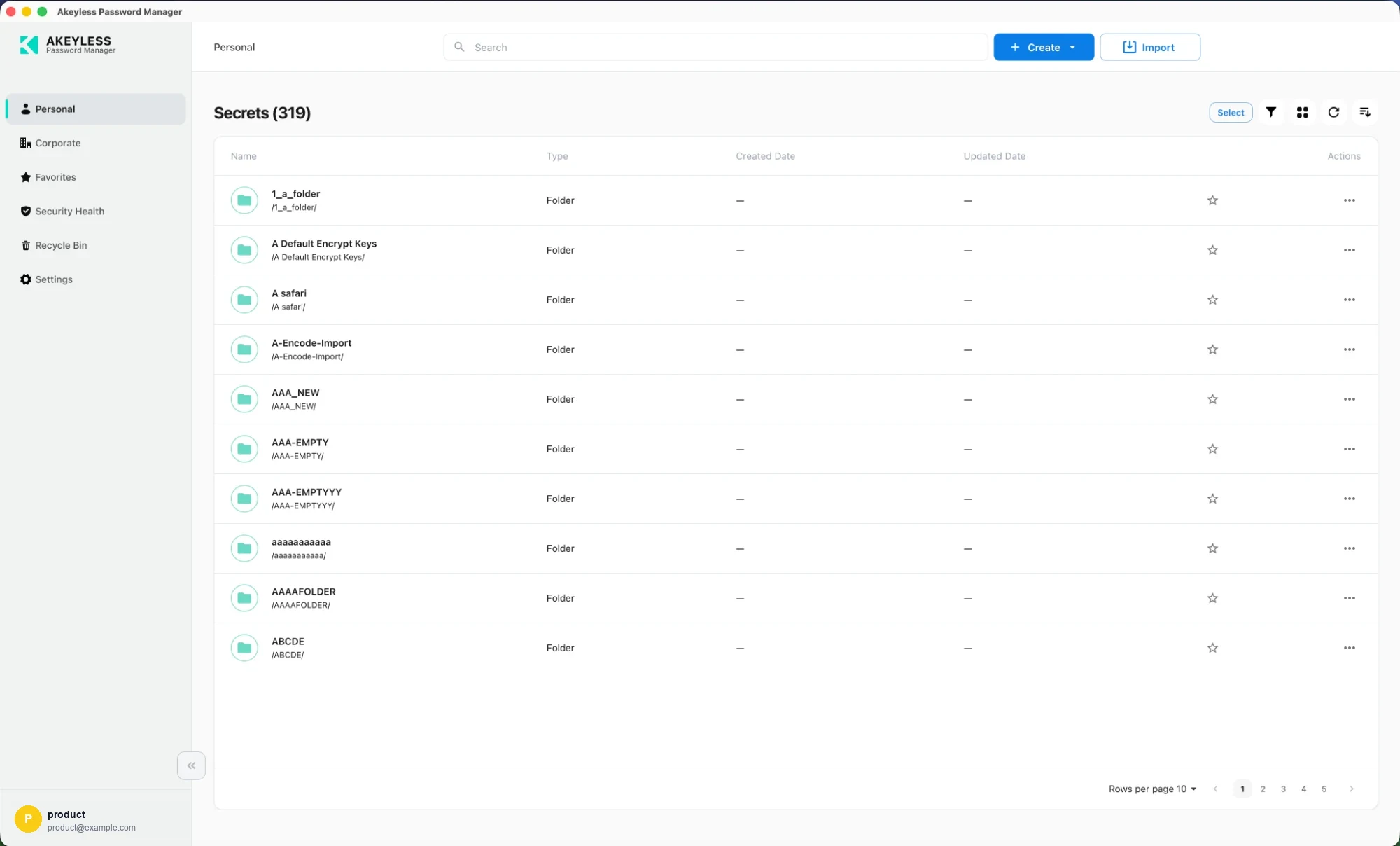
The Personal area in the desktop app
Download
| Platform | Install |
|---|---|
| macOS | Mac App Store |
| Windows | Microsoft Store |
Or download a specific build from
https://console-pwm.akeyless.io/artifacts.
See Installing the Desktop Application.
Same vault, same screens
Everything you do with your vault works exactly as it does in the
web console — the same areas, the same views, the same
creation flows:
| Area | Covered in |
|---|---|
| Personal | Personal Secrets |
| Corporate | Corporate Secrets |
| Favorites | Favorites |
| Security Health | Security Health |
| Recycle Bin | Recycle Bin |
| Cards, list, sort, filter, pagination | Viewing Options |
| Creating items | Creating Items |
| Editing, sharing, deleting | Editing, Sharing and Deleting Items |
| Importing | Importing from Another Password Manager |
What is specific to the desktop app
- Installing the Desktop Application
- Offline Mode
- Unlocking the Offline Vault
- Auto-Type and Quick Access
- Desktop Settings
Related
Updated 21 days ago
Did this page help you?