
Personal Secrets
Your own vault — items only you can see. Nobody else in your organization has access, including
administrators.
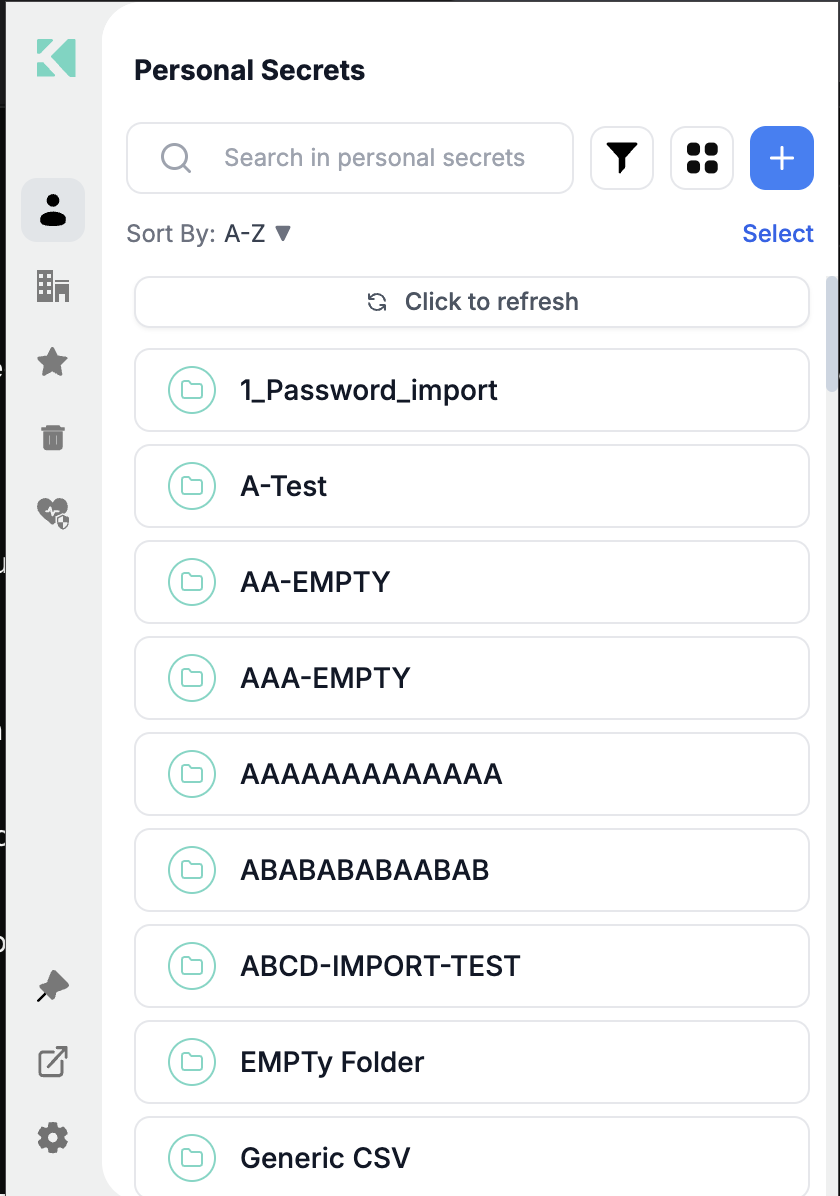
The Personal area
What lives here
| Type | Notes |
|---|---|
| Password items | Username, password, website URLs, OTP, custom fields |
| Secret items | Free-form values in Text, Key/value or JSON format |
| File items | Files, counted against your account's file quota |
| Passkeys | Only stored here — never in Corporate |
| Folders | To organize any of the above |
What makes it different from Corporate
| Personal | Corporate | |
|---|---|---|
| Who can see it | Only you | Everyone with vault access to the folder |
| Passkeys | Yes | No |
| File items | Yes | No |
| Security Health | Covers this area | Not covered |
| Sharing | By time-limited link | By link, plus vault permissions |
Header controls
| Control | Does |
|---|---|
Search in personal secrets | Searches the whole area, server-side |
| Filter (funnel) | Narrows by type and tag |
| View toggle | List or grid |
| + | New Folder, Secret, Password or File item |
| Sort By A–Z | Alphabetical; the arrow reverses |
| Select | Multi-select mode |
| Click to refresh | Reloads from the vault |
Dark mode
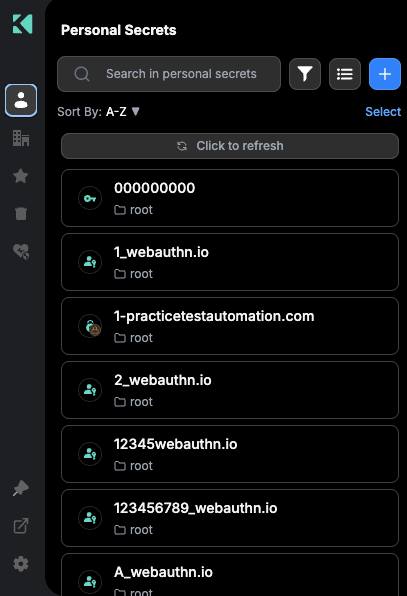
The same area with dark mode enabled
When the Personal tab is missing
The Personal area is hidden when any of these apply:
- Password management is disabled on your account
- Your account hides the personal folder
- You signed in with an API key (access type
api_key)- On DBK tenants, your session's product types do not include
apmThese are account policies, not extension settings. See
Account Policies Affecting the Extension.
Hiding the Personal area also hides Security Health, which scores personal items only.
Related
Updated 21 days ago
Did this page help you?