
Working With Your Vault on the Desktop
The vault areas behave exactly as they do in the
web console — same layout, same toolbar, same creation
flows. This page is a map; each area's full documentation lives on the console page linked
beside it.
The areas
Personal
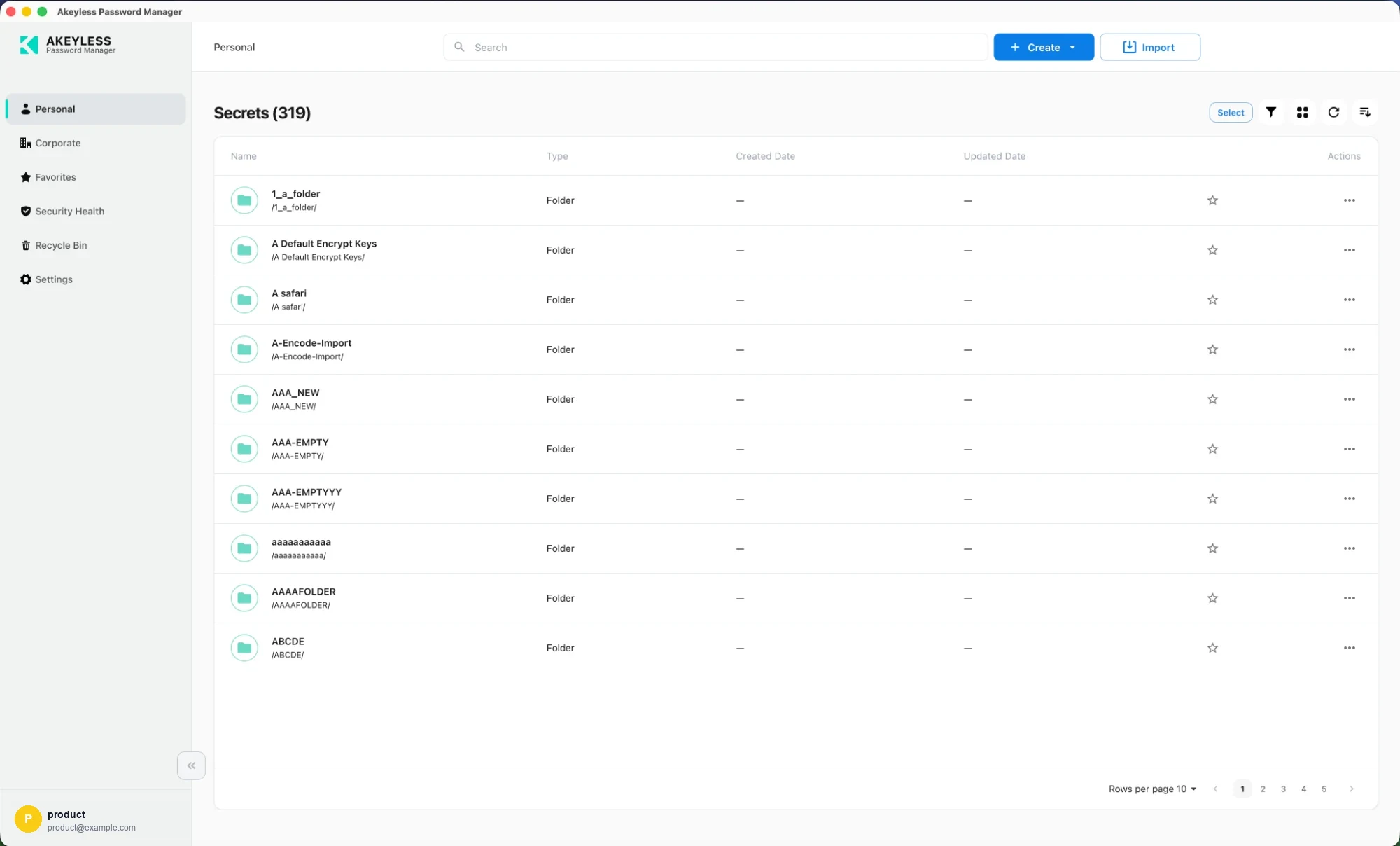
Items only you can see, including passkeys and files. The only area available in
Offline Mode.
Corporate
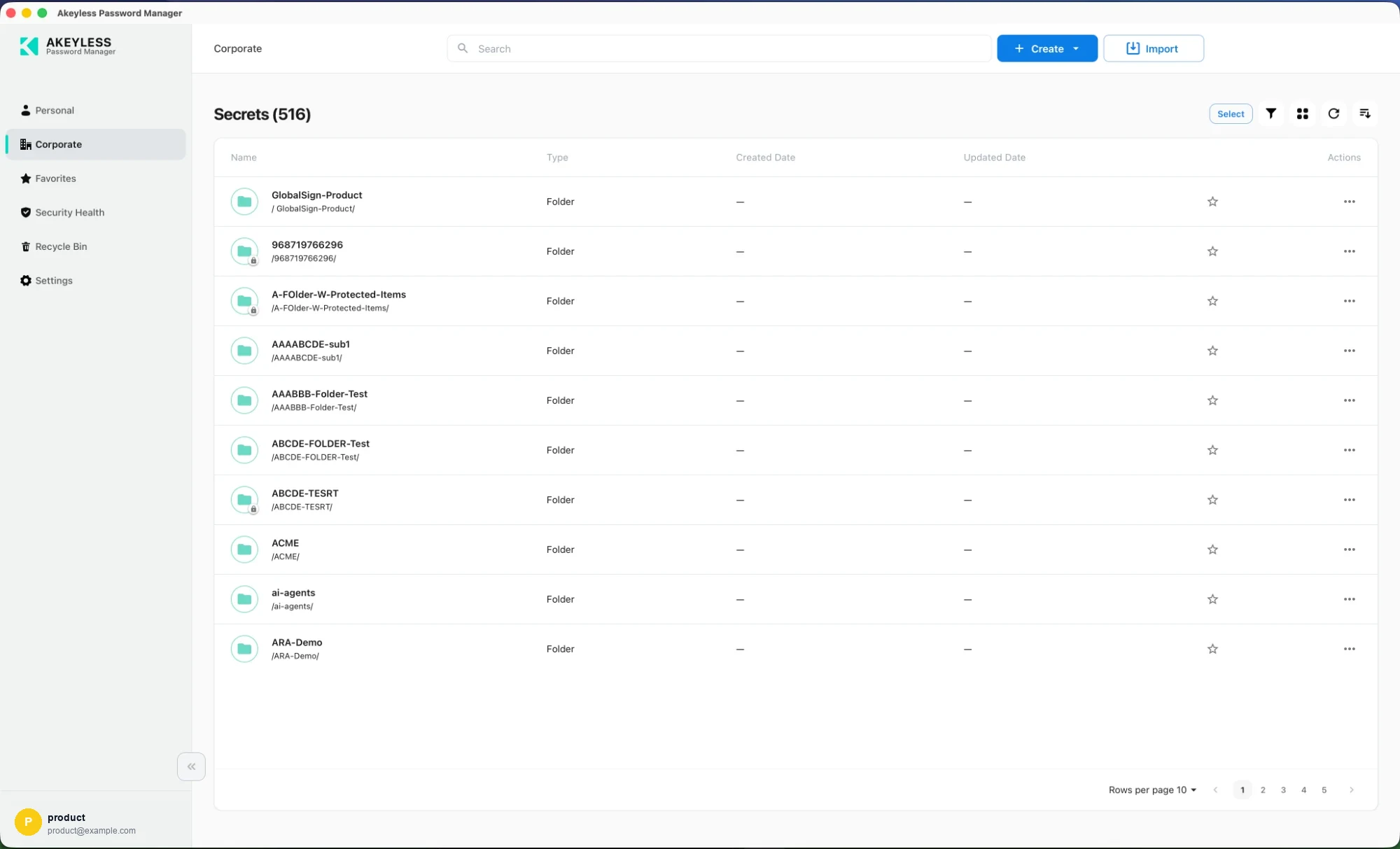
Items shared across your organization, governed by your vault permissions. A lock badge
marks delete-protected folders.
Favorites
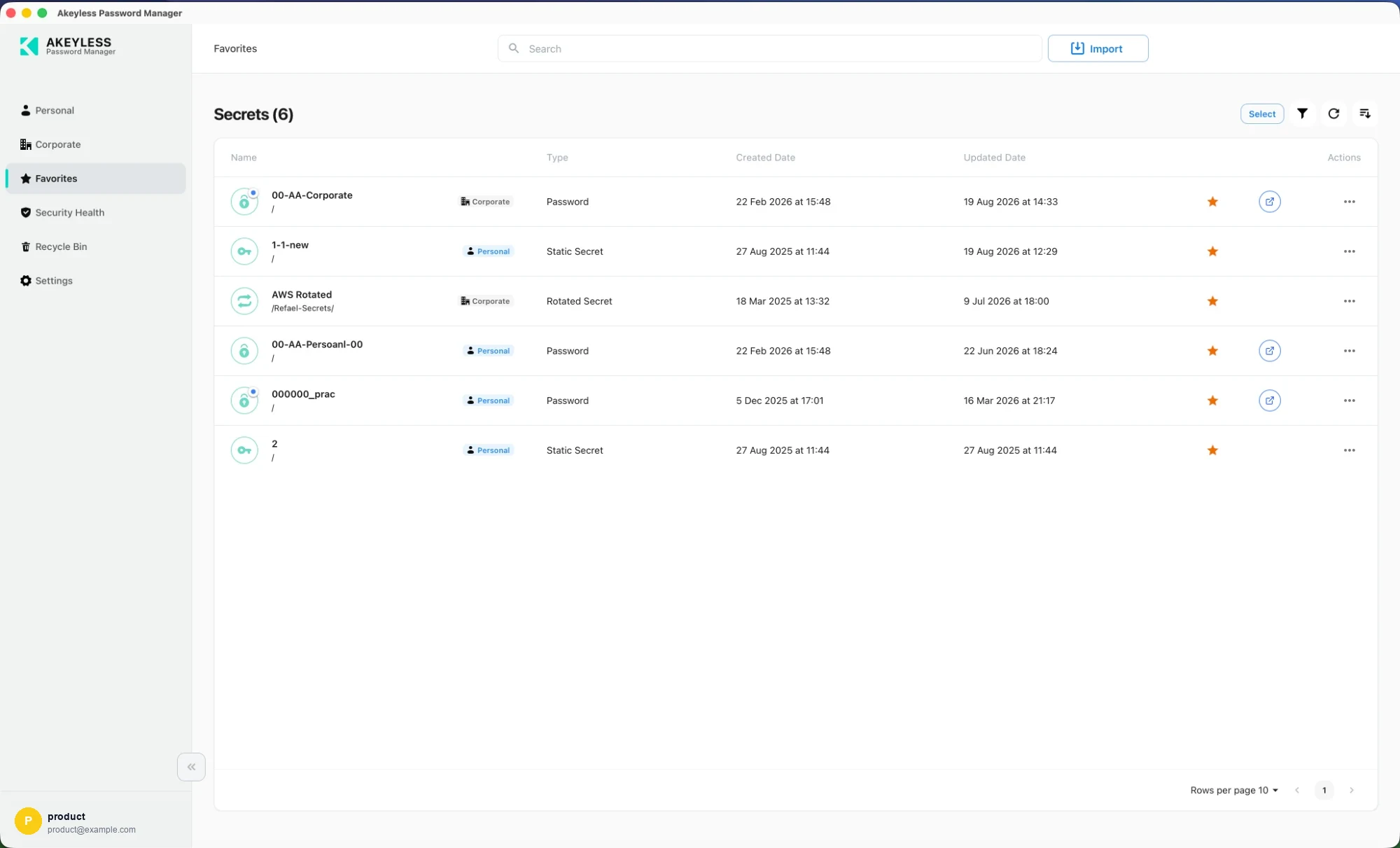
Shortcuts drawn from both vaults at once. Stored with your account, so the same favorites
appear in the console and the browser extension.
Security Health
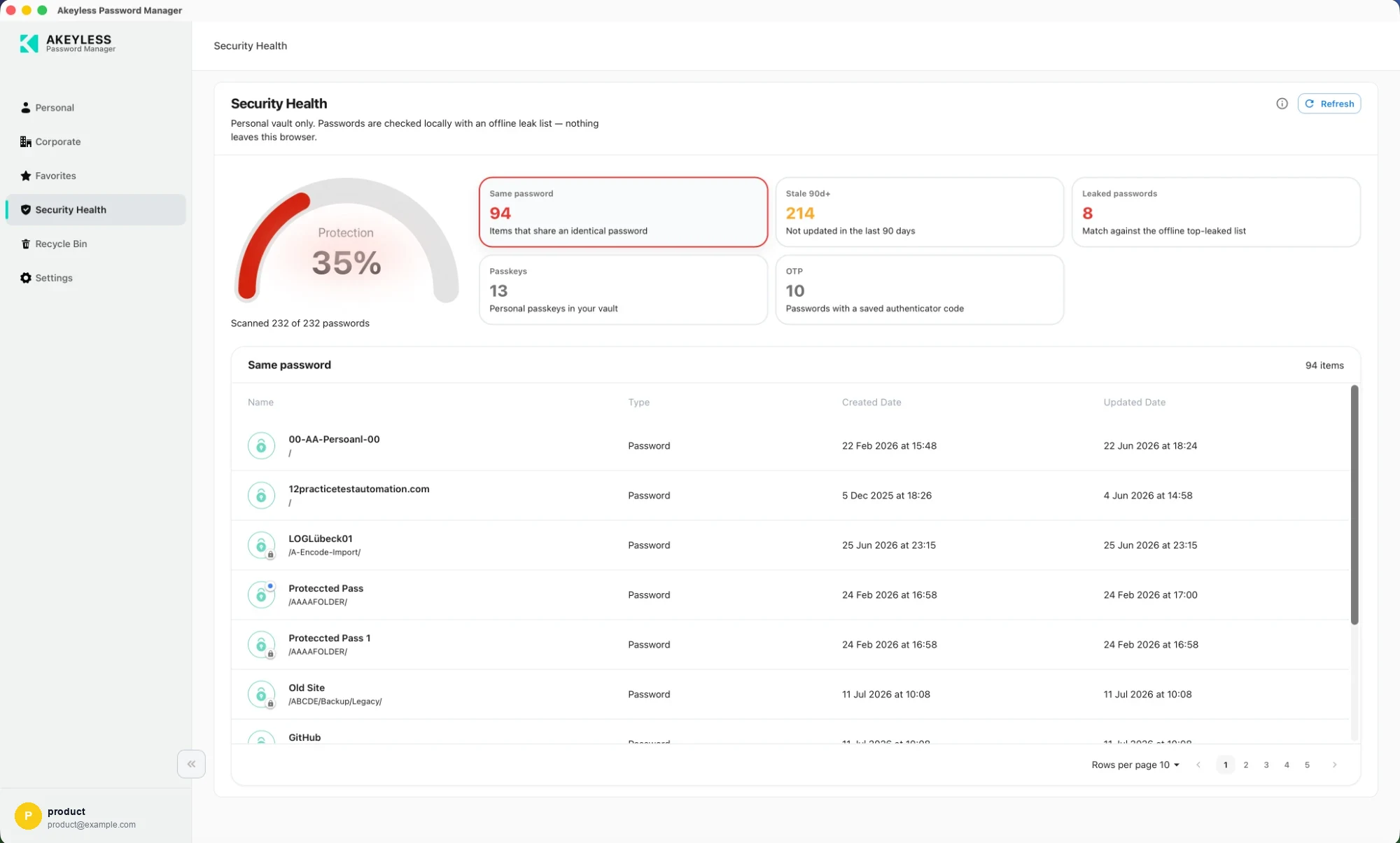
A 0–100 score for your personal credentials, from password reuse, offline breach matching and
90-day freshness. Select a tile to list the items behind it.
Recycle Bin
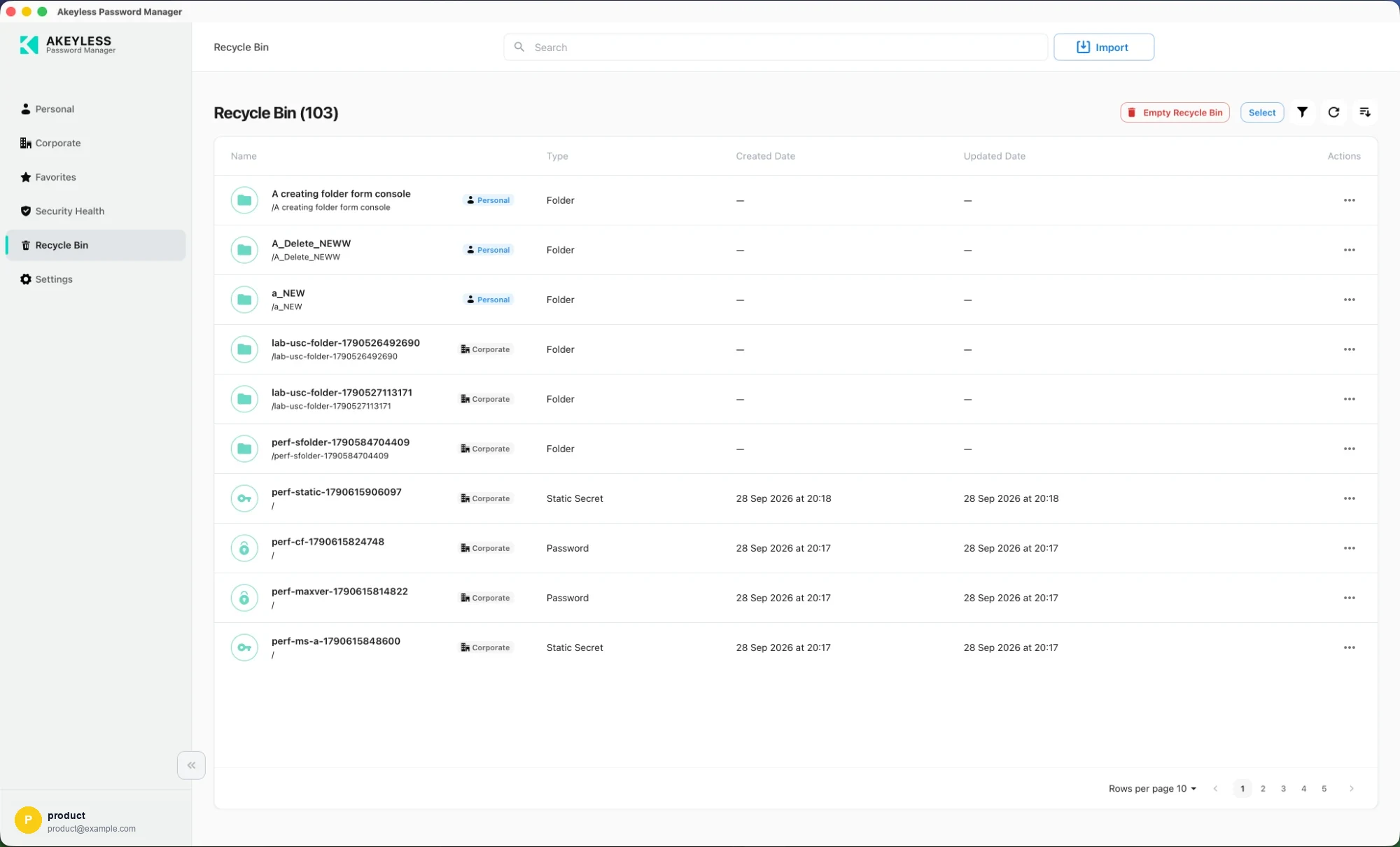
Deleted items from both vaults, restorable until purged.
Shared behavior
| Topic | Page |
|---|---|
| Cards vs list, sort, type filter, pagination | Viewing Options |
| New password, secret, file and folder | Creating Items |
| Editing, copying, sharing, deleting | Editing, Sharing and Deleting Items |
| Bringing credentials in from elsewhere | Importing from Another Password Manager |
What the desktop adds
| Feature | Page |
|---|---|
| Read your personal passwords with no network | Offline Mode |
| Type credentials into any application | Auto-Type and Quick Access |
| Browser extension detection per browser | Desktop Settings |
Related
Updated 21 days ago