
Downloads: Extension and Desktop App
The console hosts a downloads page for the Akeyless browser extension and the desktop
application, with the full release history for each.
Where it is
| Location | Address |
|---|---|
| Downloads page | https://console-pwm.akeyless.io/artifacts |
| The console itself | https://console-pwm.akeyless.io — sign in here |
| On a dedicated tenant | /artifacts on your own console address |
| From the sign-in screen | There is a link to it, so you can get builds before you have an account |
| Back | ← Back to sign in returns you to the console |
No sign-in required. The downloads page is reachable without an account, so you can send
the link to someone who is setting up for the first time, or to IT for a managed rollout.
Two tabs: Web extension and Desktop app.
Web extension
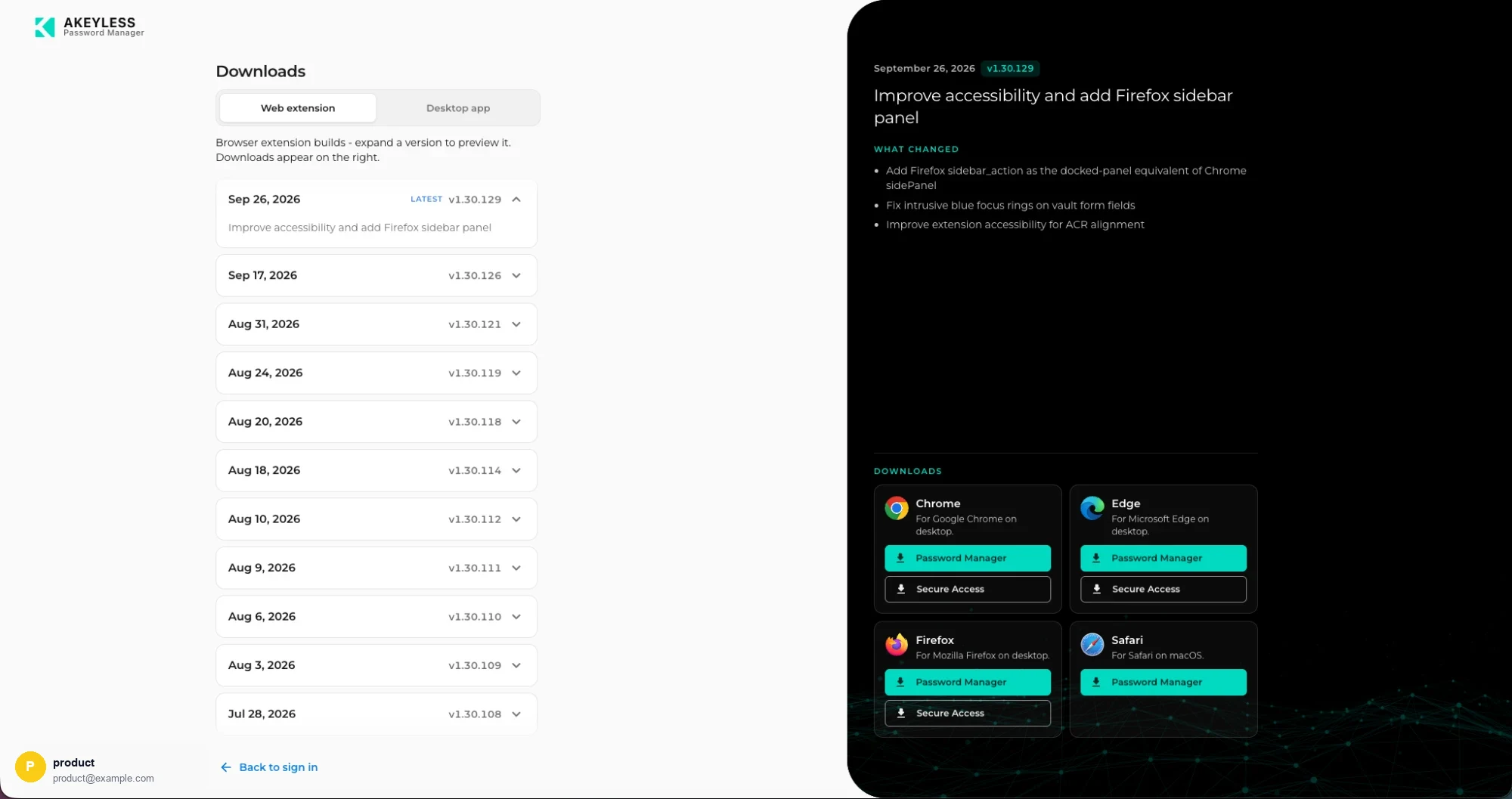
Release history on the left, downloads for the selected release on the right
Expand a version on the left to preview it; its downloads appear on the right.
Each release shows the date, the version, a one-line summary, and a What changed list.
Per browser
| Browser | Builds offered |
|---|---|
| Chrome | Password Manager, Secure Access |
| Microsoft Edge | Password Manager, Secure Access |
| Mozilla Firefox | Password Manager, Secure Access |
| Safari | Password Manager |
Password Manager and Secure Access are different products built from the same
codebase. Secure Access adds proxy routing and Zero Trust Portal launch. Install the one
your organization uses — not both, or two extensions compete to fill the same login forms.
Desktop app
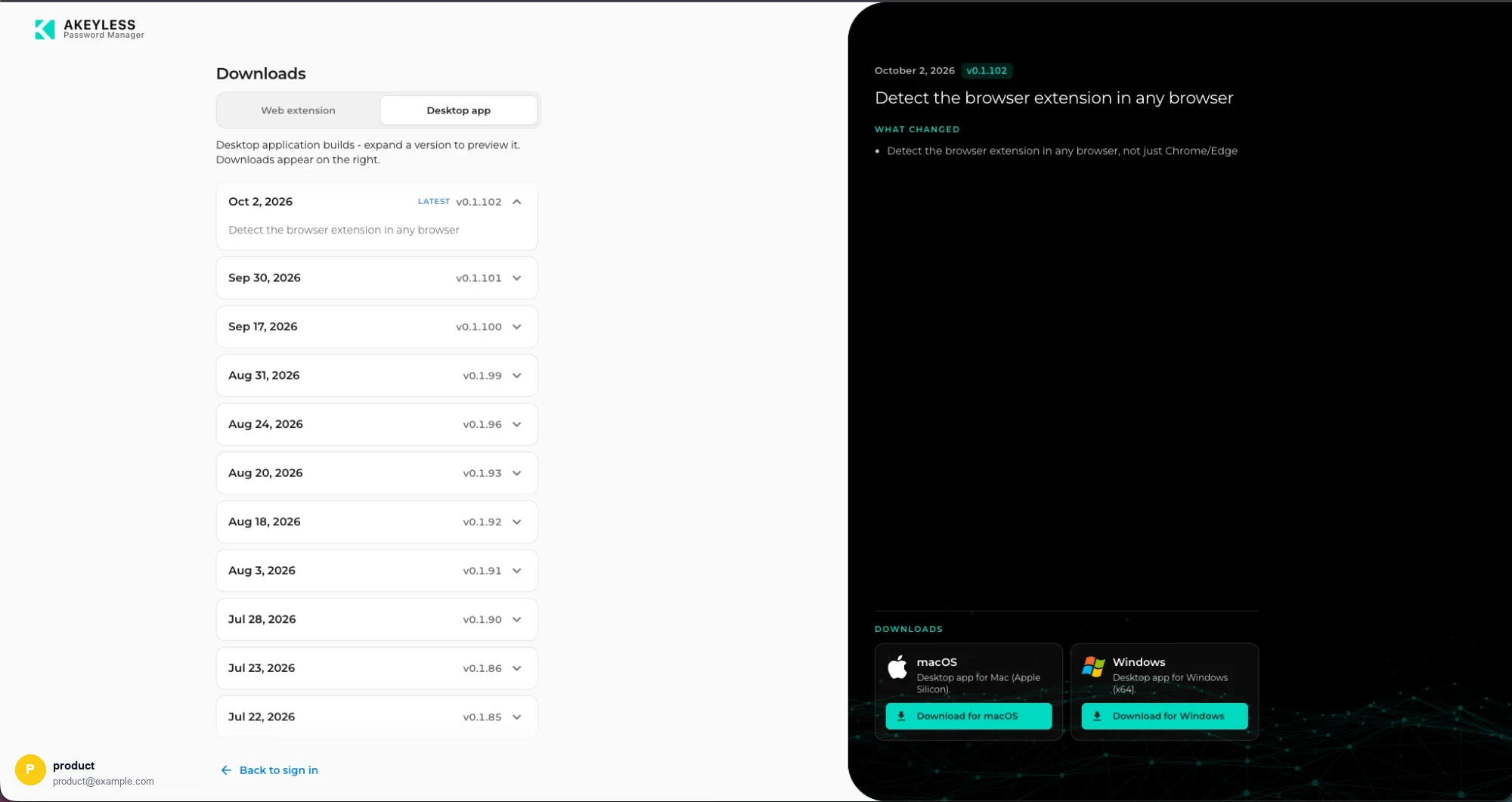
Desktop builds, with macOS and Windows downloads
| Platform | Build |
|---|---|
| macOS | Apple Silicon |
| Windows | x64 |
The release list works the same way: expand a version to see its changes and download links.
Or install from an app store
| Platform | Store |
|---|---|
| macOS | Akeyless PWM Desktop App |
| Windows | Akeyless PWM Desktop App |
Store installs update themselves. Use this page instead when you need a specific version.
Akeyless also publishes an SRA Desktop App for Secure Remote Access — a different
product. Check the listing says PWM.
Why older versions are listed
The history is kept so you can:
- Pin a known-good version while a regression is investigated
- Roll back if a release causes a problem in your environment
- Check what changed between the version your users are on and the current one
The newest release carries a LATEST badge.
Which version am I running?
Settings shows the extension's Installed version when the
console can detect it, alongside the console's own version in the footer.
Related
Updated 21 days ago