
Settings
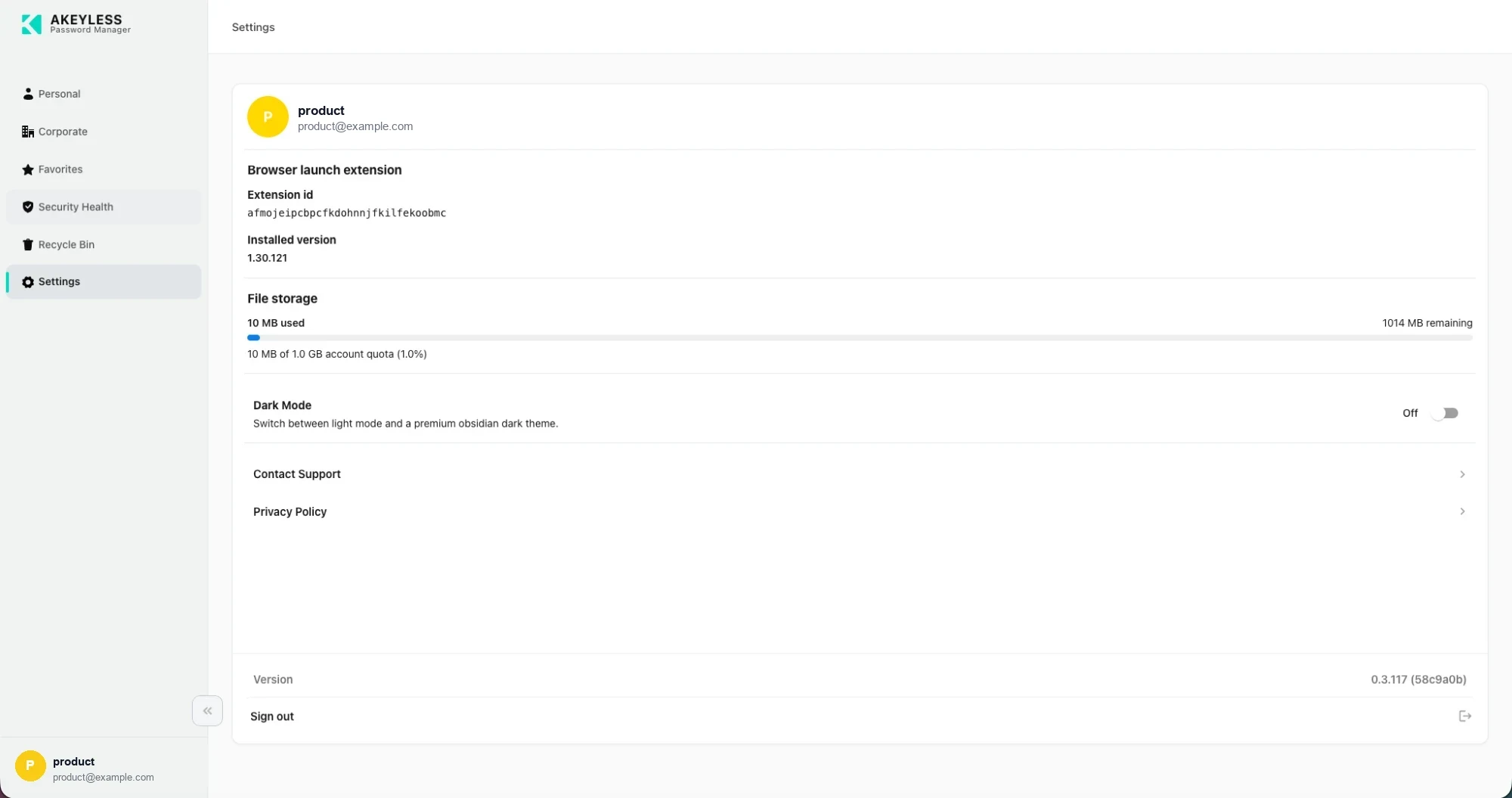
Account, extension, storage, theme and links
Account
The card header shows the account you are signed in as — display name and email. The same
identity appears at the bottom of the sidebar on every screen.
Browser launch extension
The console detects whether the Akeyless browser extension is installed and can talk to it.
| Reading | Meaning |
|---|---|
| Extension ID | The ID of the extension the console is talking to |
| Installed version | The extension's version, shown only when detected |
This pairing is what makes Launch and
extension sign-in work: selecting the launch button on an
item hands the credential to the extension, which opens the site and signs in.
If no version is shown, the console could not reach the extension. Install it from
Downloads, confirm it is enabled, and reload the console.
File storage
How much of your account's file quota is used by file items.
| Reading | Meaning |
|---|---|
| N used | Consumed by file items |
| N remaining | What is left |
| Progress bar | The same figure visually |
| N of N account quota (N%) | Used against the total |
The quota is shared across the account, not allocated per user. Individual files are
capped at 10 MB each.
Dark Mode
Switches the interface between the light and dark themes.
| Property | Value |
|---|---|
| Default | Off |
| Scope | This browser |
| Persists | Yes, including across sign-out |
| Hidden when | Your organization has applied custom branding, which locks the theme |
Links
| Link | Goes to |
|---|---|
| Contact Support | Your organization's support channel when configured, otherwise Akeyless support |
| Privacy Policy | Your organization's policy when configured, otherwise the Akeyless policy |
Version and Sign out
The footer shows the console version with its build hash — for example 0.3.117 (58c9a0b).
Quote it when contacting support; it identifies the exact build.
Sign out ends the session. Your theme choice and favorites survive it.
Related
Updated 21 days ago